







ABOUT THE GAME
About Police Traffic Racer
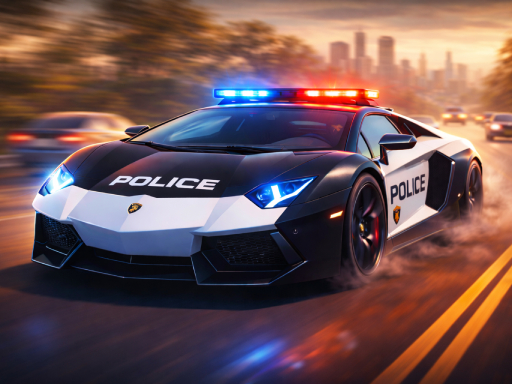
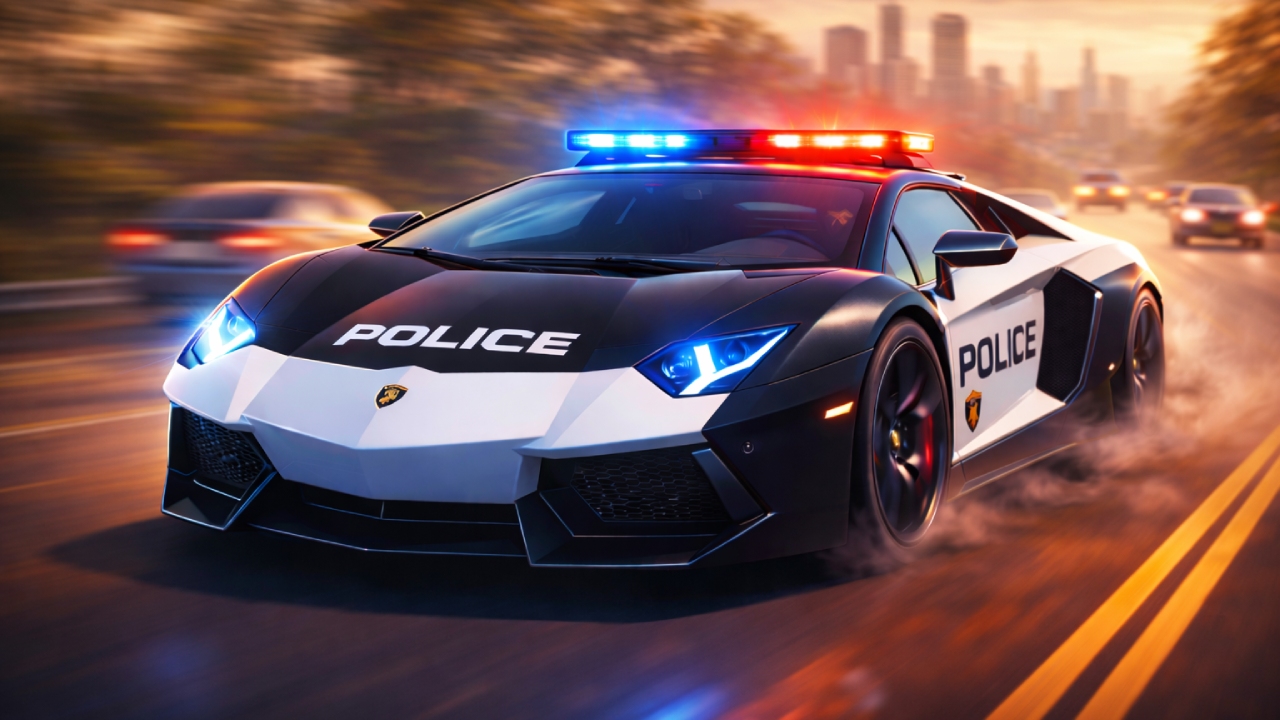
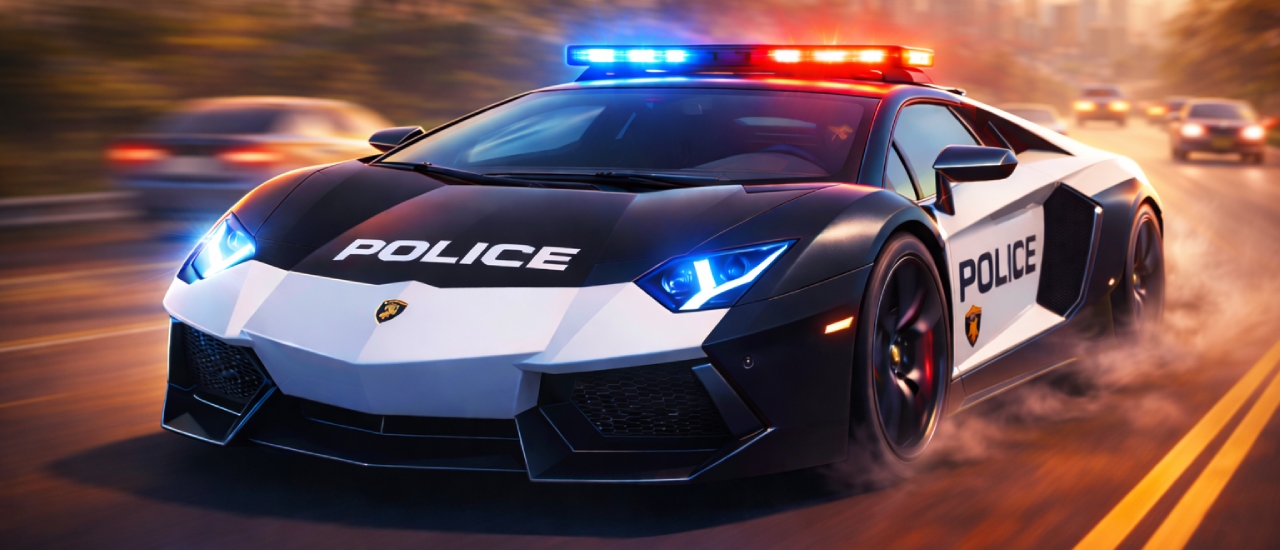
Skid the wheels of 6 awesome police cars with insane speed limits and drive them through 3 landscape highways without crashing. Show how well you can steer the wheels of these amazing cars with roaring engines and conquer 3 awesome game modes. Use replenishing nitro to overtake slow cars and drive in speed at all time…
QUICK FACTS
- Category
- Racing
- Platform
- Browser (PC & mobile)
- Control
- Start your engine and select your preferred police vehicle from the garage.
- Orientation
- Landscape
- Developer
- Fuego! Games
CONTROLS
Control
Start your engine and select your preferred police vehicle from the garage.
Control
Choose a game mode that matches your play style - Endless for relaxed high-score chasing, Time Attack for challenge-focused gameplay, or Pursuit for mission-ba…
Control
Use WASD or arrow keys to control your vehicle - W accelerates, S brakes, and A/D change lanes.
Control
Activate your nitro boost with F when you need extra speed to avoid a collision or reach a checkpoint in time.
SCREENSHOTS
In-Game Screenshots

Why Police Traffic Racer Keeps Pulling Players Back
Police Traffic Racer puts you behind the wheel of six police cars and sends you through three procedurally generated highways - sun-drenched desert roads, foggy mountain passes, and neon-lit cityscapes. The goal is simple: drive at breakneck speed, weave through traffic, and survive. The polish is in the driving feel, the nitro system, and the three modes that give the highway chase a purpose.
The appeal is the speed and the weaving. Dodging traffic at high velocity is one of the purest reflex challenges in racing, and the game’s procedural highways keep every run fresh - no two traffic patterns are the same. The replenishing nitro system adds the strategic layer: boost to overtake slow cars and hit checkpoints, but manage it carefully because it recharges over time.
The progression gives the driving a destination. Six police vehicles each handle differently, and the upgrade system - engine, handling, armor - lets you build a car for your driving style. Three game modes - Endless for high-score chasing, Time Attack for checkpoint pressure, and Pursuit for mission objectives - mean the same highways can be played three completely different ways.
What a Clean Highway Run Looks Like
A clean run in Police Traffic Racer is a balance of speed and survival. The loop is: pick your car and mode, accelerate onto the highway, weave through traffic, use nitro strategically, and either chase distance, beat checkpoints, or complete pursuit objectives.
| Phase | What is happening | What to manage |
|---|---|---|
| Pick | Car and mode | Match to your goal |
| Accelerate | Building speed | Finding the open lane |
| Weave | Through traffic | Reading the flow ahead |
| Boost | Nitro bursts | Overtaking and checkpoints |
| Survive | The run continues | A crash ends it |
The key skill is lane reading. Traffic moves in patterns, and the best drivers read the flow ahead to find the lane with the clearest path. Nitro is the tool for the tight moments - a well-timed boost clears a closing gap or catches a checkpoint just in time.
Driving, Boosting, and Switching Views
The controls are classic racing: steer your police car using WASD or arrow keys, with W or Up to accelerate, S or Down to brake, and A/D or Left/Right to change lanes. Activate nitro with F for temporary speed, and press C to cycle through camera angles.
| Control | Action | When it matters |
|---|---|---|
| W / Up | Accelerate | Building speed |
| S / Down | Brake | Tight traffic and corners |
| A / D | Change lanes | The core weaving |
| F | Nitro boost | Overtakes and checkpoints |
| C | Camera angles | Situational awareness |
The nitro management is the strategic layer. It replenishes over time, which means it is a resource to spend, not hoard - but spending it at the wrong moment leaves you without a boost when the next gap closes.
Techniques That Turn a Surviving Run Into a Fast One
- Read the traffic flow. The lanes with the clearest path change constantly - watch ahead, not just your lane.
- Spend nitro with intent. Boost for overtakes and checkpoints; waste it in open road and it is gone.
- Upgrade deliberately. Engine for speed, handling for weaving, armor for the inevitable impacts.
- Learn the modes. Endless rewards survival, Time Attack rewards checkpoints, Pursuit rewards objectives.
- Use the cameras. The right view changes how you read the highway.
Mistakes That End a Highway Run
The most common crashes in Police Traffic Racer come from speed misuse. Full throttle into a traffic cluster leaves no reaction time. Wasting nitro in open road leaves you without it when the gap closes. And ignoring the weather and lighting changes of the three highways means being surprised by conditions you should have seen coming.
| Mistake | Why it crashes | The fix |
|---|---|---|
| Full speed into traffic | No reaction time | Modulate for the gap |
| Wasting nitro | No boost when needed | Spend it deliberately |
| Ignoring the environments | Surprised by conditions | Learn each highway |
| Neglecting upgrades | Car underperforms | Invest between runs |
Six Cars, Three Highways, Three Modes
Police Traffic Racer’s variety is its depth. Six police vehicles with different speed and handling stats mean the same highway plays differently depending on your ride; three procedural highways mean no two runs are identical; and three game modes give the driving three distinct goals. The upgrade system ties it all together, letting you build each car for the mode you love. It is a traffic racer with the reflexes of an arcade game and the progression of a career - and it rewards the driver who reads the road.